
| Products | Contact us | 
|
| Photo2D-2D Image measurement Software | |
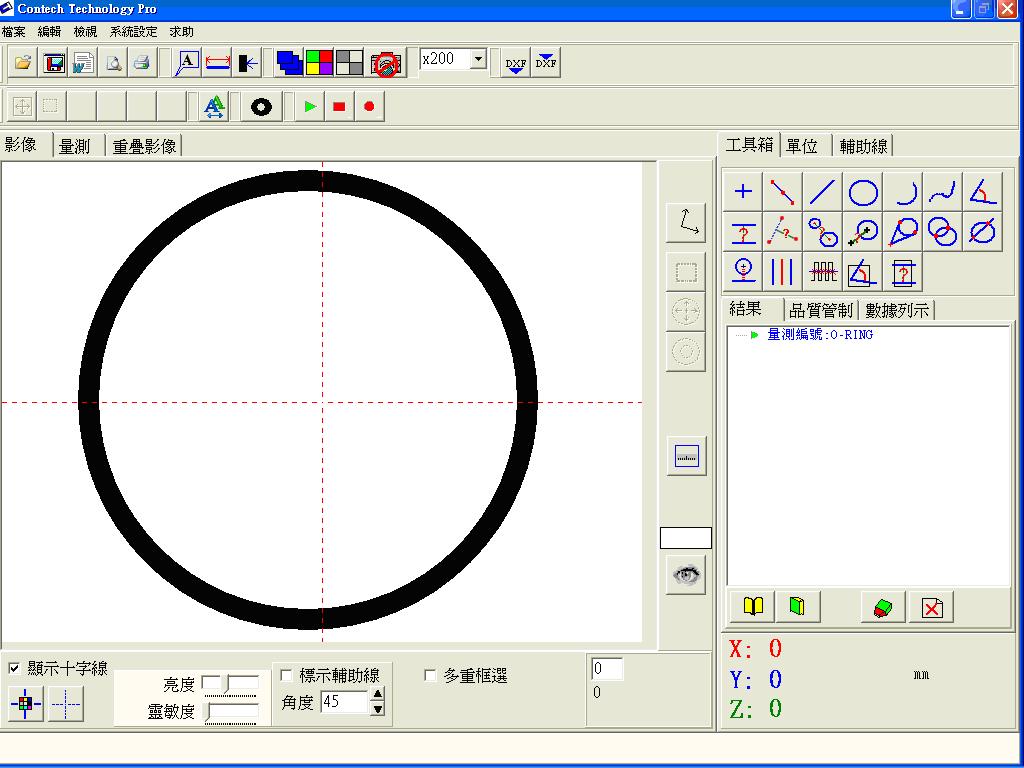 |
This is a low cost,high performance 2D image Inspection system,Support most of standard cameras.
|
| functions |
content |
| File Management | Test results can store in database. |
| Multi-Points Measurement |
2~5000 points for one line,3~5000 points for circle,arc,curve measurement. Measure Functions: Point , Line , Circle, Arc, Curve, angle, line-line distance,point-line vertical distance,circle-circle center distance,point-circle center distance,point-circle tangent,circle-circle intersections,line-circle intersections. |
| One-Button Angle Mesaurement |  |
| One-Button Gap Measurement |  Press a button to measure two parallel-line's gap. Press a button to measure two parallel-line's gap. |
| Auto Edge Detection | System detect I image's boundary inside the ROI automatically. This function can eliminate the bias from human eyes and prompt measuring precision. |
| ROI |
Region Of Inspection definition: Rectangle shape,Ring shape,Sector shape,Line shape. |
| Multi-ROIs | For more precise measurement.You can get more edge points from your target's image by assigned several ROIs. |
| Edge search |
System find nearest edge point for you, after move mouse to desired position and click |
| Image Magnifier | Enlarge image of mouse's location .You can take the exact point easily. |
| Image Stiching | stich several parts of target's image to make one full size picture.You can transferthis whole picture's edge points to DXF file.It's useful for reverse engineering usage. |
| Multi-focus overlap | Overlap several different focus's blurry images to one clear image. |
| Automatical Calibration | With Circle-shape calibration meter, System calibrate automatically. |
| Image process Preview |
You cand preview the result when adjust image processing parameters at the same time. |
| Cross-hair |
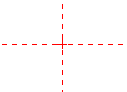
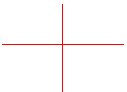
You can change the cross-hair's color and line type. Three line-types:
|
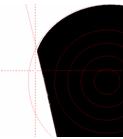 The system draw circles or lines on image screen.User can compare target's image with these lines or circles easily. |
|
| DXF Import/Export |
1.Import CAD dxf file to check real object's size with CAD
drawing.
2. Export measured results to DXF file for "Reverse Engineering". |
| QC function | Sheet- type QC table. System evaluated target's measurement result according to user defined standard and tolerance data. |
| Unit selection | (1) length unit: cm,mm,um,in
(2)Angle unit:o , o ' ",mill |
| Report | Standard report and user definable HTML report. |
| "MicroSoft Excel- format" user definable report | You can design your own "excel" format report.System can send QC Sheet's measured data to thie report. |
| Language | (1)Supported: English,Traditional
Chinese,Simplified Chinese.
(2)User- definable Vocabulary. |
Contech Technology
TEL: 886-4-7565181 FAX: 886-4-7573741
Addr: No.130, Heshan Rd., Hemei Township, Changhua County 508, Taiwan (R.O.C.)
email :contech.service@msa.hinet.net